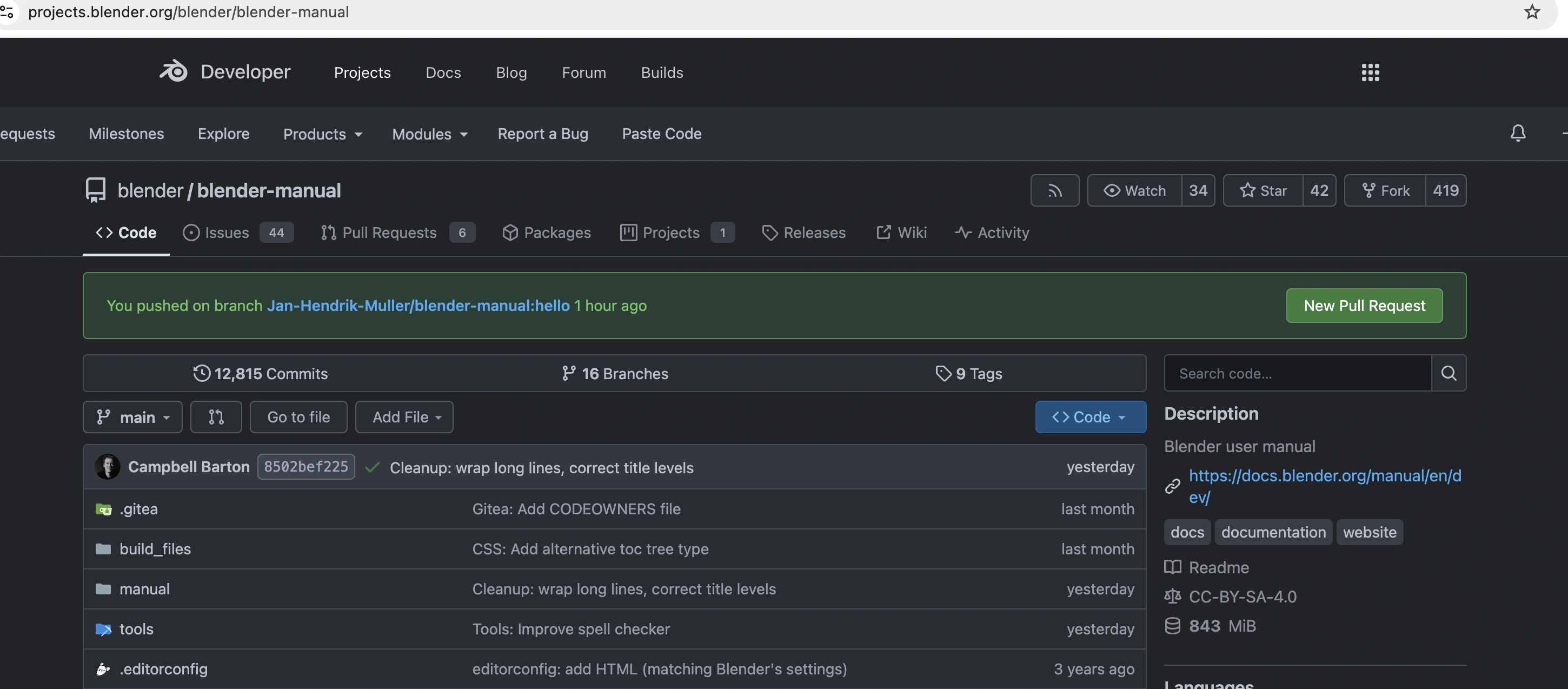
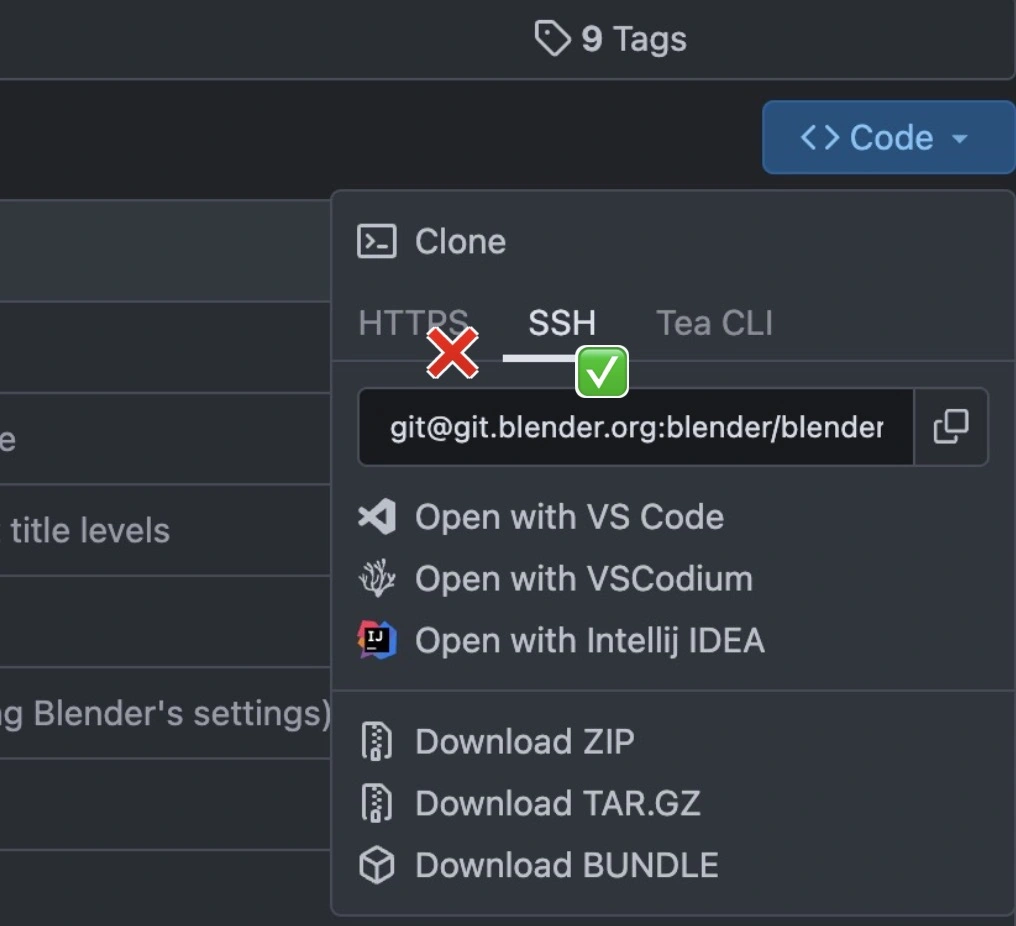
First, head over to https://projects.blender.org/blender/blender-manual and download the repository with SSH. Be sure not to use HTTPS.
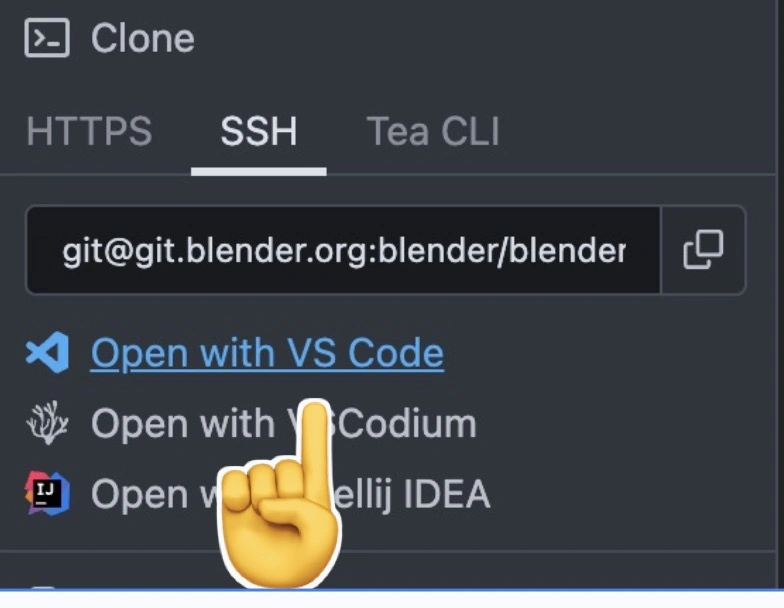
I’d recommend selecting “Open in VS Code”.
Once you’ve cloned the repo, you can open it.
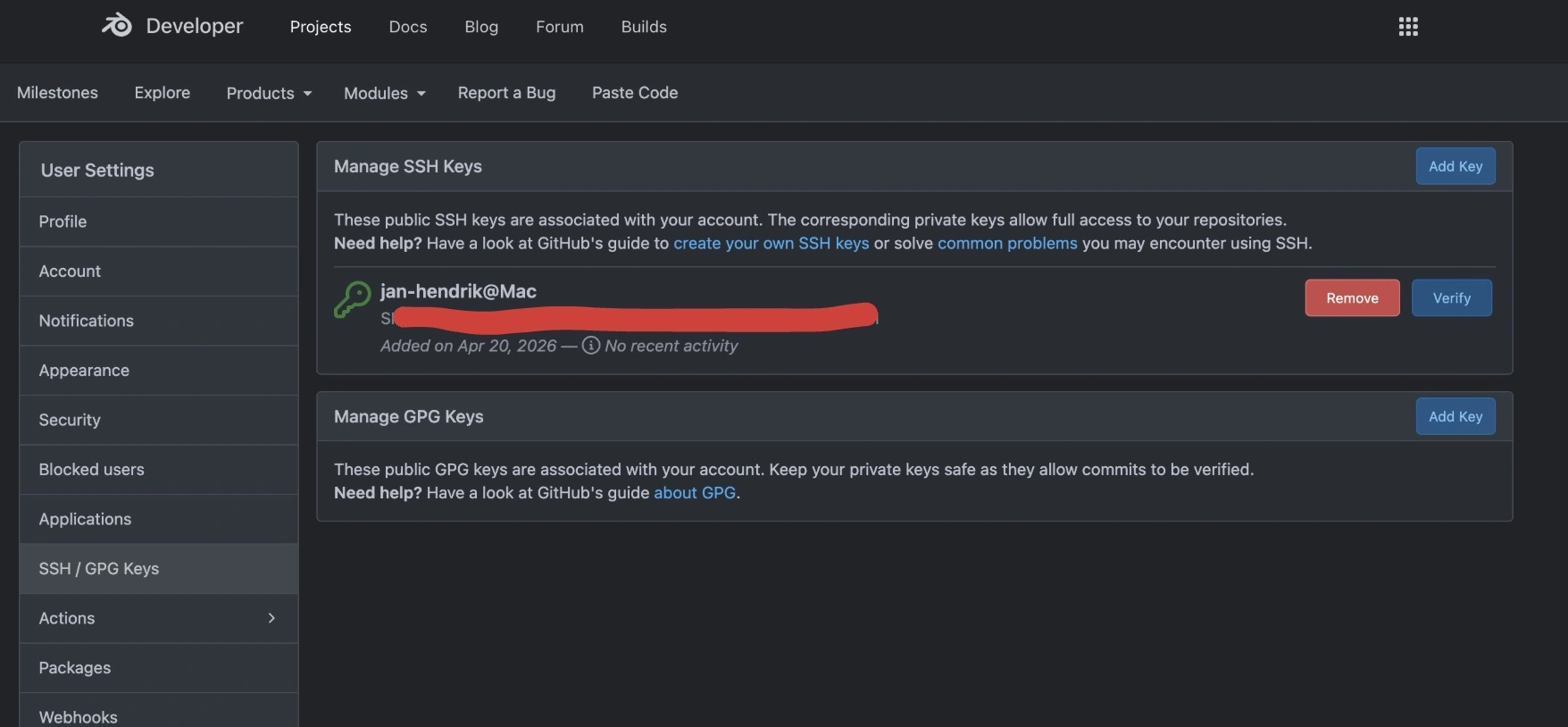
To authenticate, we put a key on our Blender account instead of using a password.
Run ssh-keygen, then open ~/.ssh/id_ed25519.pub. Copy the whole line (for example, ssh-ed25519 AA...), and paste it at
https://projects.blender.org/user/settings/keys
Now we see that we have the repo set up like this:
jan-hendrik@Mac blender-manual % git remote -v
origin  ssh://git@git.blender.org/blender/blender-manual.git (fetch)
origin  ssh://git@git.blender.org/blender/blender-manual.git (push)
We can add the fork like this (replace Jan-Hendrik-Muller with your own user name):
git remote rename origin upstream
git remote add origin git@git.blender.org:Jan-Hendrik-Muller/blender-manual.git
git remote -v

origin  git@git.blender.org:Jan-Hendrik-Muller/blender-manual.git (fetch)
origin  git@git.blender.org:Jan-Hendrik-Muller/blender-manual.git (push)
upstream        ssh://git@git.blender.org/blender/blender-manual.git (fetch)
upstream        ssh://git@git.blender.org/blender/blender-manual.git (push)
Now you can start making changes and push them with:
git push -u originYou won’t need a password; auth is handled by the SSH key.
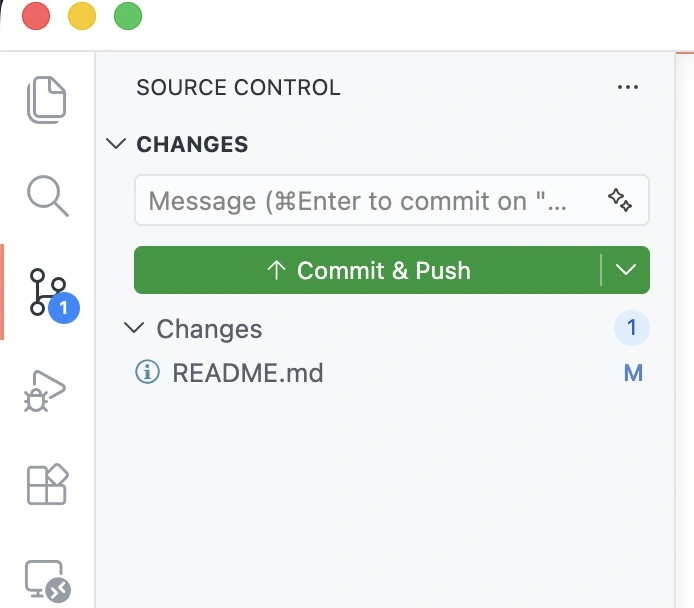
After running git push -u origin the first time, you can use the VS Code button for all following pushes.
Finally, you can go to https://projects.blender.org/blender/blender-manual and click the “New Pull Request” button: